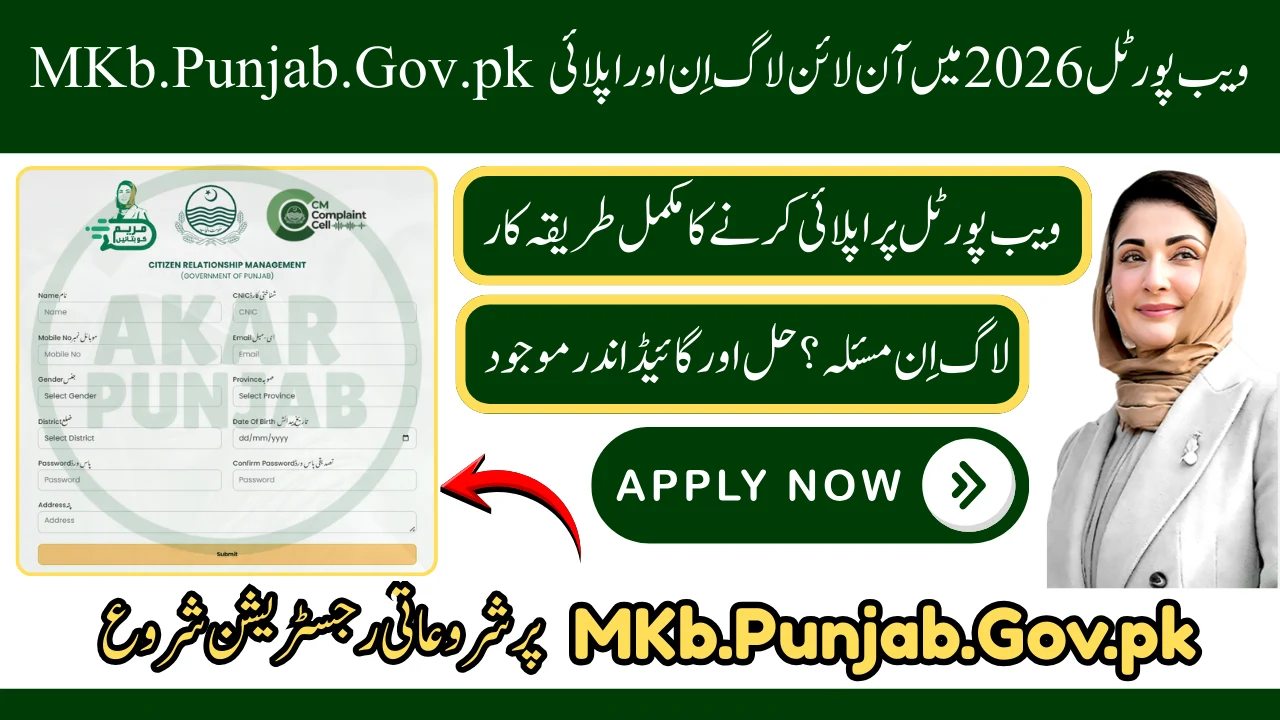

The MKb.Punjab.Gov.pk Web Portal 2026 is the official online platform launched by the Government of Punjab to provide PKR 10,000 financial assistance and other public support services to eligible citizens across Punjab.
This initiative, introduced under the leadership of Maryam Nawaz Sharif, aims to simplify the application process through secure digital verification—allowing people to apply from home without visiting government offices.
The portal is designed to ensure transparency, fast processing, and secure verification.
What is MKb.Punjab.Gov.pk Web Portal?
The MKb Punjab Gov PK Web Portal is an official online platform where citizens can:
- Apply for PKR 10,000 financial assistance
- Login to manage their application
- Track status online
- Submit complaints or requests
- Get help through official helpline
The system is digitally managed by the Punjab Information Technology Board to ensure safe data processing.

MKb.Punjab.Gov.pk Web Portal 2026 Login Process
If you are already registered, follow these steps:
- Visit the official website: www.mkb.punjab.gov.pk
- Click on Login
- Enter your 13-digit CNIC (without dashes)
- Enter your registered mobile number
- Verify via OTP
- Access your dashboard
From the dashboard, you can check application updates and manage your details.
How to MKb.Punjab.Gov.pk Web Portal 2026 Login Online Apply
Follow these simple steps to apply:
Step 1: Visit the Official Portal
Step 2: Click on “Register / Apply”
Step 3: Enter Required Information
- CNIC number
- Mobile number
- Full name
- Address
- Family details
- Income information
Step 4: Submit Application
After reviewing your details, click submit.
Your application will be sent for digital verification.
Financial Assistance Through MKB Portal
Eligible applicants may receive:

✔ PKR 10,000 financial relief
✔ Direct bank transfer
✔ Mobile wallet payment (such as EasyPaisa or JazzCash)
✔ Authorized payment centers
The goal is to support low-income families, especially during Ramadan and times of economic hardship.
How to Check MKb.Punjab.Gov.pk Application Status
You can check your application status in two ways:
1️⃣ Online Method
- Visit the portal
- Click on “Check Status”
- Enter your CNIC
- View result
Possible status:
- Pending
- Under Verification
- Approved
- Rejected
2️⃣ Helpline Method
Call 1000 and provide your CNIC for assistance.
Who is Eligible?
Priority is given to:
- Low-income households
- Financially struggling families
- Unemployed individuals
- Citizens registered in the Punjab Socio-Economic Registry
Final approval depends on government database verification.
Important Guidelines for Applicants
- Registration is 100% free
- Never pay any agent
- Do not share your CNIC with strangers
- Avoid fake websites
- Only use official portal
Always double-check the website address before entering your information.
MKb Punjab Gov PK Mobile Application & QR Code
To make registration easier, the Punjab Government also introduced a mobile-friendly system and QR code scanning option for quick access.

Users can:
- Scan the official QR code
- Download the Android mobile application
- Register and apply directly from mobile
This improves accessibility for rural and remote areas.
Why MKb.Punjab.Gov.pk Web Portal is Important
The MKb Punjab Gov PK Web Portal 2026 represents a major step toward:
- Digital governance
- Transparent financial aid distribution
- Faster application processing
- Citizen-friendly services
It reduces middlemen and ensures that financial help reaches deserving families directly.

FAQs
What is MKb.Punjab.Gov.pk Web Portal?
It is an official Punjab Government online platform for financial assistance and public service support.
How can I login?
Visit the portal, enter CNIC and mobile number, verify OTP, and access your account.
Is there any fee?
No, registration and application are completely free.
How long does approval take?
Processing time depends on verification, but status can be checked online.
Is this portal official?
Yes, it is launched by the Government of Punjab and managed digitally by PITB.

